
HR & Payroll
Attendance to payroll workflow: source ownership, review, and correction
Payroll needs reliable inputs, but attendance and leave remain HR records with their own owners, approvals, cutoffs, and correction paths.
Reader intent: Informational HR and payroll workflow evaluation
01
Start with active employment and schedule context
Attendance has meaning only in relation to the employee’s active employment, branch, position, and expected schedule. A timestamp alone does not explain whether the employee was expected to work, was on approved leave, or had a schedule exception. Keep effective dates so historical periods use the context that applied at the time.
Employee records should not be duplicated for each payroll period. Payroll should reference the governed employee identity and the period-specific inputs it consumes. Changes to future employment configuration must not silently rewrite a finalized prior result.
02
Give attendance correction a reason and owner
Raw attendance may need correction because of missed entries, approved exceptions, or operating errors. A correction should record the previous state, new state, reason, actor, and time. Replacing the original value without history makes later payroll review and employee questions difficult to resolve.
Define who may submit a correction and who may approve it. The same person may perform both actions in a small organization, but the system should still record the responsibility clearly. Tenant and permission checks must apply to both normal screens and direct requests.
- Retain the original attendance record or prior state.
- Require a correction reason and accountable actor.
- Resolve approved leave before the payroll cutoff.
- Prevent another organization’s employee identifier from being accepted.
03
Use a controlled payroll cutoff
A cutoff defines which attendance, leave, and configured earning or deduction inputs belong to the run. Without it, late changes can move a result while reviewers are checking it. The workflow should explain whether a late correction enters the current run, a later adjustment, or a controlled recalculation before finalization.
Calculate from explicit period and employee inputs. Preserve gross, deductions, net, and component detail for review. A calculation can be replaced while the run remains in a permitted draft state, but finalization should establish an authoritative result and restrict casual edits.
| Stage | Primary owner | Evidence |
|---|---|---|
| Employment and schedule | HR | Effective employee and schedule context |
| Attendance and leave | HR / manager | Raw record, correction, approval |
| Cutoff review | Payroll | Included inputs and unresolved exceptions |
| Calculation | Payroll | Components, gross, deductions, net |
| Finalization and posting | Payroll / Finance | Authoritative results and journal source |
04
Plan reversal before the first finalization
A finalized or posted payroll may still require correction. Define whether the system reverses the entire run, creates an adjustment, or supports another controlled method. The important property is that prior results and postings remain explainable rather than being deleted or overwritten.
Reversal must be idempotent and permission-bound. If Finance posting exists, the reversal path should preserve balanced journal consequences. Settlement state and employee-level results need clear treatment so one correction does not leave the system with contradictory records.
05
How Zivanox connects the records
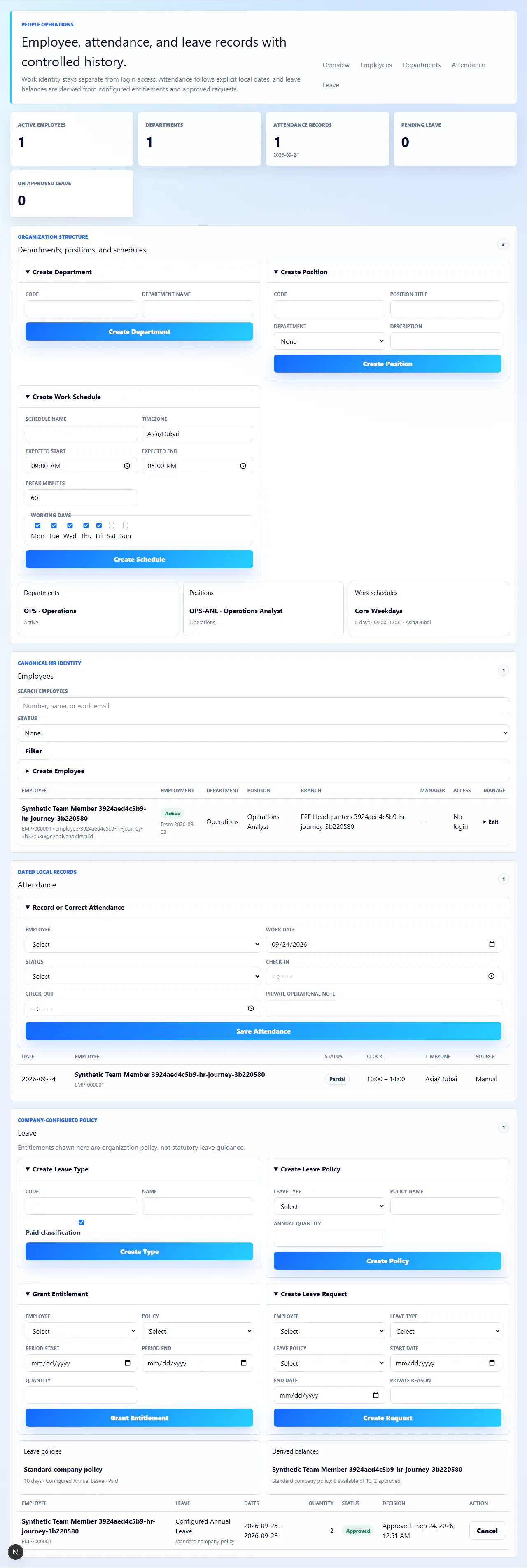
Zivanox keeps employee structure, schedules, attendance corrections, leave requests and approvals, payroll configuration, calculation results, finalization, Finance posting, settlement, and controlled reversal in one organization context. Sensitive transitions retain audit evidence and role checks.
The product does not currently claim jurisdiction-specific statutory calculations, filings, recruitment, performance management, biometric-device integration, or bank payment execution. Those needs require separate validation and should not be inferred from the core HR-to-payroll workflow.
For a fit review, choose a synthetic period containing ordinary attendance, an approved leave, one explained correction, and a configured earning or deduction. Trace each input into the calculated employee result, finalization, payslip, configured Finance posting, settlement state, and reversal path. Repeat an action to confirm idempotency, attempt the workflow without permission, and check that another tenant’s identifier is denied. The exercise should demonstrate record lineage and control, not imply that a core calculation replaces local payroll advice, statutory validation, filing, or payment execution.
Editorial scope
This guide contains 653 words and reflects the implemented Zivanox product boundary reviewed on 2026-09-24. It does not replace professional, legal, tax, payroll, or jurisdiction-specific advice.
Evaluate the workflow
Bring your records, exceptions, and required controls.
Closed Beta access begins with a bounded workflow review, not an open signup or automated purchase.
Request Closed Beta Access